Service · Portals
Get your team out of the middle of every routine customer interaction.
We build branded self-service portals on Microsoft Power Pages and custom React stacks — so your customers and partners submit, track and self-serve, while your staff focus on the interactions that actually need a human.
What it is
The self-service layer your business has been faking with email.
If your clients or partners get statements, request information, submit documents, track applications or raise tickets by emailing your team — there is a better way. A portal is a secure, branded website that lets them do all of that themselves, while your staff are freed to handle the non-routine work.
For Microsoft customers, the modern answer is Power Pages — Microsoft's external-facing portal platform, built on the same Dataverse backbone as Power Apps and orchestrated by Power Automate. Portal users sign in, see only their own data, take action, and your team sees everything in the back-office systems they already use.
When low-code can't deliver the brand, UX or performance you need, we build the same thing as a fully custom React portal on Azure — same data, same identity, same governance. The technology is a choice; the business outcome is the same.
Three platforms · one outcome
We pick the right portal stack for the job
Not every portal needs to be a custom React build. We choose the platform that hits your bar for speed, brand and budget.
Microsoft Power Pages
When the data lives in Dataverse
The right fit for the vast majority of customer and partner portals. Native Dataverse integration, low-code page authoring, built-in identity, content management and Power Platform governance — all on licensing you may already own.
Custom React Portal
When you've outgrown low-code
When the brand, UX or performance bar exceeds what Power Pages can deliver, we build bespoke React + TypeScript portals on Azure — authenticated against Entra External ID, talking to the same Dataverse, SharePoint and APIs.
SharePoint Communication Site
When it's mostly content for known users
For partner-facing knowledge bases, document libraries and announcement portals where users already have Microsoft 365 accounts, a hardened SharePoint communication site is often the simplest and cheapest answer.
Capabilities
What we build into every portal
Power Pages Portals
Microsoft Power Pages — the modern external-facing companion to the Power Platform. Branded, secure, low-code portals deeply connected to Dataverse, with content management for non-developers.
External Identity
Sign-in with Microsoft, Google, LinkedIn, local accounts or your customers' own corporate identity (Entra External ID, B2C). MFA, password reset and invitation-based onboarding built in.
Document Upload & Capture
Multi-step forms, document upload, e-signature and structured data capture — straight into Dataverse, SharePoint or your ERP. No more email attachments and copy-paste.
Workflow & Approvals
Portal actions trigger Power Automate flows behind the scenes — approvals, notifications, ERP updates, document generation — so the portal is the front door to real business processes.
Custom Branding
Pixel-accurate to your brand. Custom CSS, web templates, liquid markup and JavaScript where needed. Your portal looks like part of your website, not a Microsoft default.
Enterprise Security
Row-level Dataverse security, web roles, page-level permissions, DLP, audit logs and Azure Front Door / WAF protection. Built to the same standard as your internal systems.
Microsoft Power Pages
External web experiences on the Power Platform
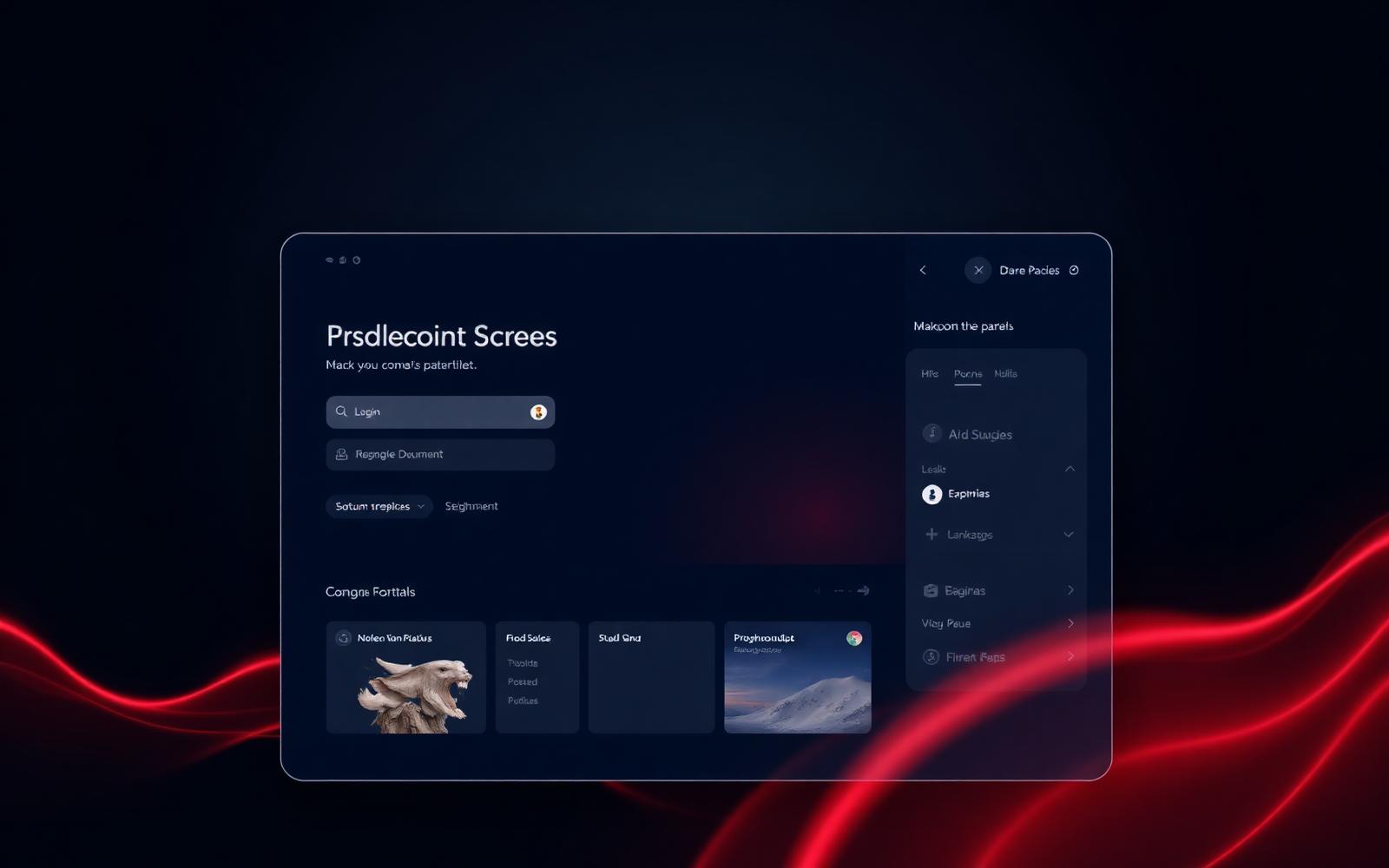
Power Pages is Microsoft's modern external portal product — the evolution of what used to be called Dynamics 365 Portals and Power Apps Portals. Pages are designed visually, content is edited in a CMS-style studio, and every page can read and write Dataverse with built-in security. We add custom CSS, JavaScript, liquid templates and web templates to take it from a Microsoft default to a portal that looks and feels like your brand.
- Native Dataverse read and write with table permissions and row-level security
- Visual designer for pages, sections and components — content editable by non-developers
- Liquid templating and pro-code extensions for the parts the visual designer can't reach
- Built-in CDN, WAF, DDoS protection and SLA — hosted and managed by Microsoft
Self-service in action
Real workflows, not just web forms
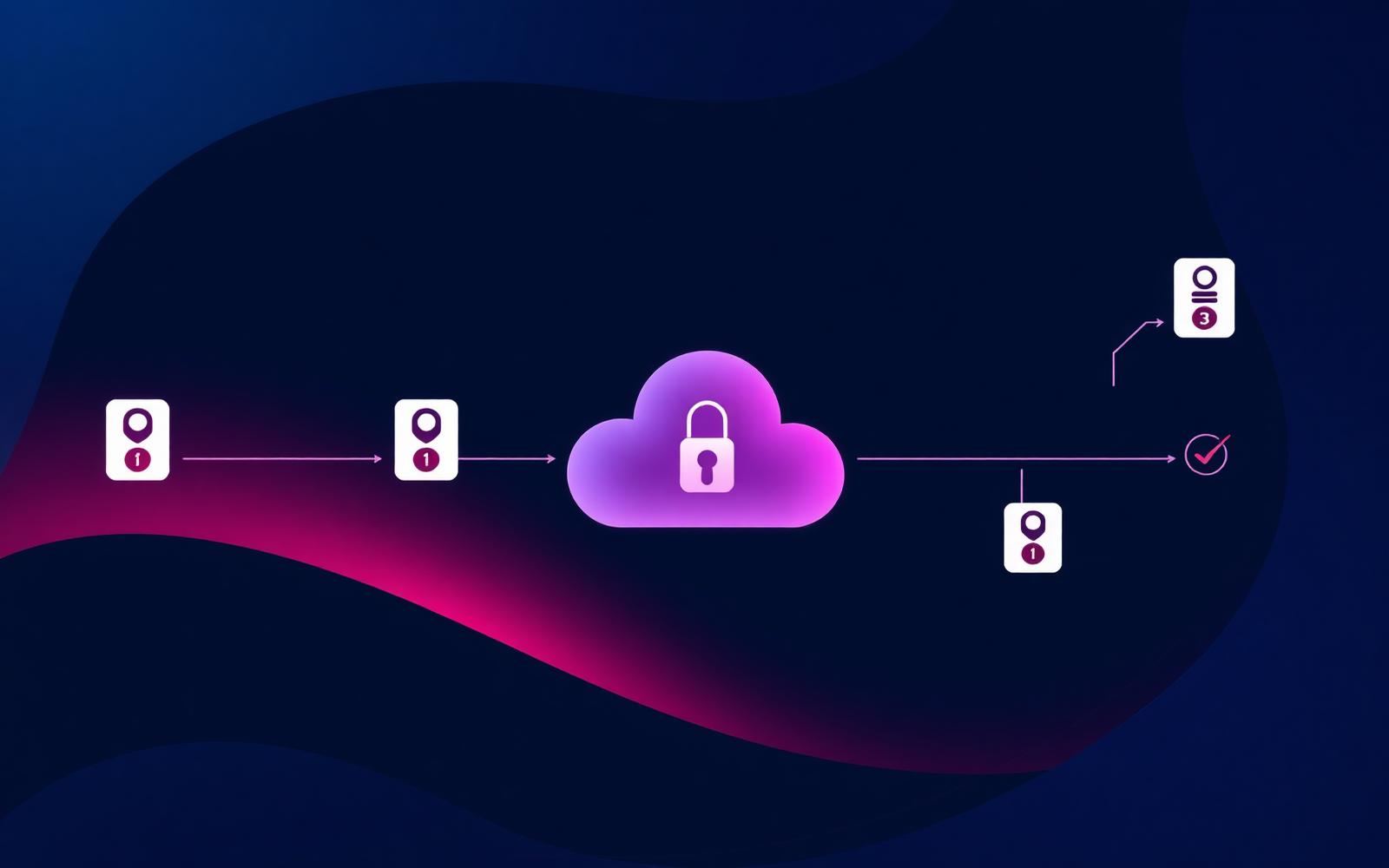
A form on a website is not a portal. We design portals as the front door to real, governed business processes. A submission triggers a Power Automate flow. The flow checks for completeness, raises a Dataverse record, generates documents, routes for approval, posts into your ERP, sends the customer a confirmation — and then surfaces the live status back on the portal the customer is watching.
- Multi-step forms with conditional logic, save-and-resume and progress indicators
- Document upload with virus scan, file-type checks and SharePoint or Dataverse storage
- Live status views showing the user where their request is — pending, in review, approved, rejected
- Email and SMS notifications and a portal inbox for two-way communication on each case
Identity & security
External identity, done properly
The riskiest thing on a portal is who is allowed in. We implement external identity on Microsoft Entra External ID (the successor to Azure AD B2C) or Power Pages local accounts, with invitation-based onboarding, MFA, password policies and federation to your customers' own identity providers where appropriate. Inside the portal, web roles and Dataverse table permissions guarantee users only ever see their own data.
- External ID for branded, MFA-protected, federated customer sign-in
- Row-level security via Dataverse table permissions and web roles
- POPIA-aligned data handling, audit logs and consent capture for South African compliance
- WAF & DDoS protection on the edge, with rate limiting and bot controls
Deflect inbound
Routine email and phone enquiries collapse — staff spend their time on the cases that actually need a human.
One source of truth
Submissions land directly in Dataverse, SharePoint or your ERP — no rekeying, no lost attachments.
Audit-ready
Every login, submission and status change is logged. Compliance teams sleep better.
How we work
From scoping to live in weeks, not quarters
01
Map the interactions
We map every interaction your team currently handles by email or phone for these customers or partners — what they ask for, what they submit, what they expect back, and how often.
02
Design the experience
We design the portal information architecture, branded UI, identity flow and data model. You approve the click-through prototype before a single line of production code is written.
03
Build & integrate
We build the portal in your Microsoft tenant, integrate to Dataverse and your line-of-business systems via Power Automate or custom APIs, and wire in identity, audit and DLP from day one.
04
Launch & adopt
Soft launch to a pilot cohort, capture feedback, harden, then roll out. We monitor usage, deflection rates and time-saved so you can prove the portal is paying for itself.
Use cases
Portals we've built — or could build for you
- Customer portals for submitting and tracking service requests, claims or tickets
- Supplier and vendor onboarding portals — BBBEE, tax clearance and banking detail capture
- Broker, dealer and agent portals with quote, commission and pipeline visibility
- Investor and shareholder portals with secure document distribution and reporting
- Tenant and resident portals for property management — statements, maintenance, communications
- Patient and member portals for healthcare and medical schemes
- Reseller and channel partner portals with deal registration and co-marketing
- Citizen-facing application and licensing portals for public sector clients
Portals are the front door — the rest of the platform is the house
A great portal is wired into Power Automate for the workflows it triggers, Power Apps for the internal staff side of the same data, AI agents for intelligent triage and answering, and Power BI & Fabric for measuring whether the portal is actually deflecting work.
How much of your team's day is spent answering things a portal could?
Free, no-obligation portal scoping session. We'll map the interactions, sketch the experience and quote the build.