
Service · Integration
Sage 200, ERP and Dynamics 365 integration — so staff stop moving data between systems by hand.
We connect Sage 200 Evolution, Sage 300, SYSPRO, SQL Server, Dynamics 365 and SaaS platforms via Power Automate, Azure Logic Apps, Azure Data Factory and custom APIs — including SQL Server Reporting Services (SSRS) feeds off Sage — so data flows automatically, with monitoring, retries and security baked in.
What it is
The hidden tax on every business that runs more than one system.
Almost every business we work with runs at least three core systems — usually an ERP, a CRM and Microsoft 365 — plus a handful of specialist tools. The systems don't talk. So staff do — exporting to Excel, re-keying, emailing spreadsheets, reconciling differences. That is the integration tax, and it shows up as headcount, errors, and decisions made on out-of-date data.
System integration is the engineering discipline of making those systems talk so the people don't have to. The right pattern depends on the systems involved, the volumes, the latency you need, and the budget — which is why we pick from the full Microsoft integration estate: Power Automate for process-shaped flows, Azure Logic Apps for enterprise integration patterns, Azure Data Factory and Microsoft Fabric for high-volume data movement, and custom APIs where we need full control.
Integration done well is invisible — staff stop noticing because the data is just there. Integration done badly is the loudest thing in your business. We do the first kind.
Three platforms · one integration estate
We pick the right tool for each hop
One-size-fits-all integration is how projects get expensive and fragile. We choose the platform that fits the shape of the problem.
Power Automate
Event-driven, business-process integrations
The right choice when the integration follows a business process — a quote is approved, a record is created, an email arrives. 1,000+ pre-built connectors plus custom connectors for everything else.
Azure Logic Apps
Enterprise integration patterns
When you need the same connector model as Power Automate but with stronger versioning, source control, monitoring and the ability to be deployed by IT in a fully governed ALM pipeline.
Azure Data Factory / Fabric Data Factory
High-volume data movement
When you're moving thousands or millions of rows on a schedule — replicating an ERP into a warehouse, syncing a Dataverse environment to a lakehouse, building daily ETL — Data Factory is the workhorse.
Capabilities
What we build into every integration
API Integration
REST, SOAP, GraphQL and OData connections to any system that exposes them. We build the auth, retries, pagination and error handling that turn a brittle API call into a production-grade integration.
ERP Connectors
Sage 300, Sage 200 Evolution, Sage X3, Microsoft Dynamics 365 Business Central / F&O, SYSPRO, Pastel and custom in-house ERPs. We've built the connectors others say are impossible.
Power Automate Orchestration
When the integration is event-driven and business-process-shaped, Power Automate is often the lowest-friction answer — triggered by email, SharePoint, Dataverse, schedules or HTTP.
Azure Data Factory & Synapse
When the integration is high-volume and data-shaped, we move to Azure Data Factory pipelines, mapping data flows, Synapse pipelines and Microsoft Fabric Data Factory — for ELT done properly.
Data Warehouse & Lakehouse
Bronze / silver / gold medallion architecture on OneLake, Synapse or Azure SQL — a single, governed source of truth that downstream Power BI, AI and apps can rely on.
Secure by Default
Managed identities, Key Vault for secrets, private endpoints, on-premises data gateways, customer-managed keys. Your data never sits in a connector somebody can screenshot.
Data Factory & Fabric
High-volume data movement, engineered end-to-end
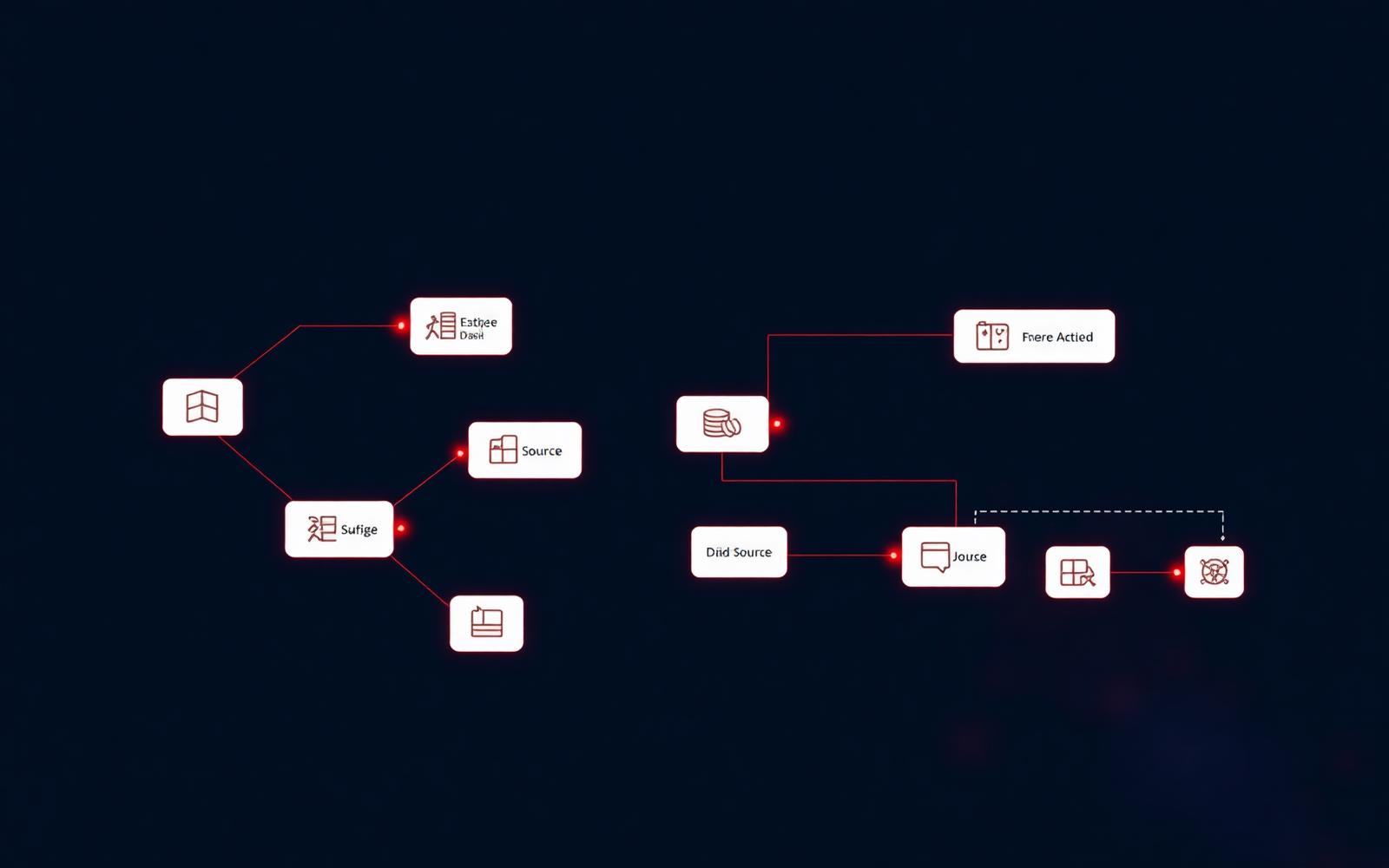
When the integration is moving thousands or millions of rows — replicating an ERP into a warehouse, syncing Dataverse to a lakehouse, building incremental loads from operational databases — we build it on Azure Data Factory or its successor inside Microsoft Fabric. Source-controlled, parameterised, monitored, and built to the medallion architecture so downstream Power BI and AI have clean, governed data to work with.
- Pipelines & data flows with parameterised templates, incremental loads and change data capture
- 90+ native connectors — SQL Server, Oracle, SAP, Salesforce, Dynamics, REST, flat files, and self-hosted runtimes for everything else
- Medallion architecture on OneLake, ADLS Gen2 or Azure SQL — bronze, silver, gold layers with documented contracts
- CI/CD & ALM via Azure DevOps or GitHub — no more cowboy edits to live pipelines
APIs & custom connectors
Wrap any API once, use it everywhere
Most third-party and in-house systems expose a REST, SOAP or GraphQL API of some shape. We wrap those APIs as Power Platform custom connectors — written once, governed centrally, and then callable from every Power App, Power Automate flow, Copilot Studio agent and Logic App in your tenant. The same connector also fronts our own Azure Functions and APIs when we need to add business logic in between.
- Custom connectors for REST, SOAP and GraphQL — with OpenAPI definitions and proper auth policies
- Azure Functions & APIs when we need to add validation, transformation or business logic the source API doesn't provide
- Azure API Management for rate limiting, key management, versioning and a unified developer portal across your APIs
- Webhook ingestion for event-driven sources — payment gateways, SaaS callbacks, IoT triggers
Legacy & on-premises
Sage 300, Sage 200 Evolution and the systems nobody wants to touch
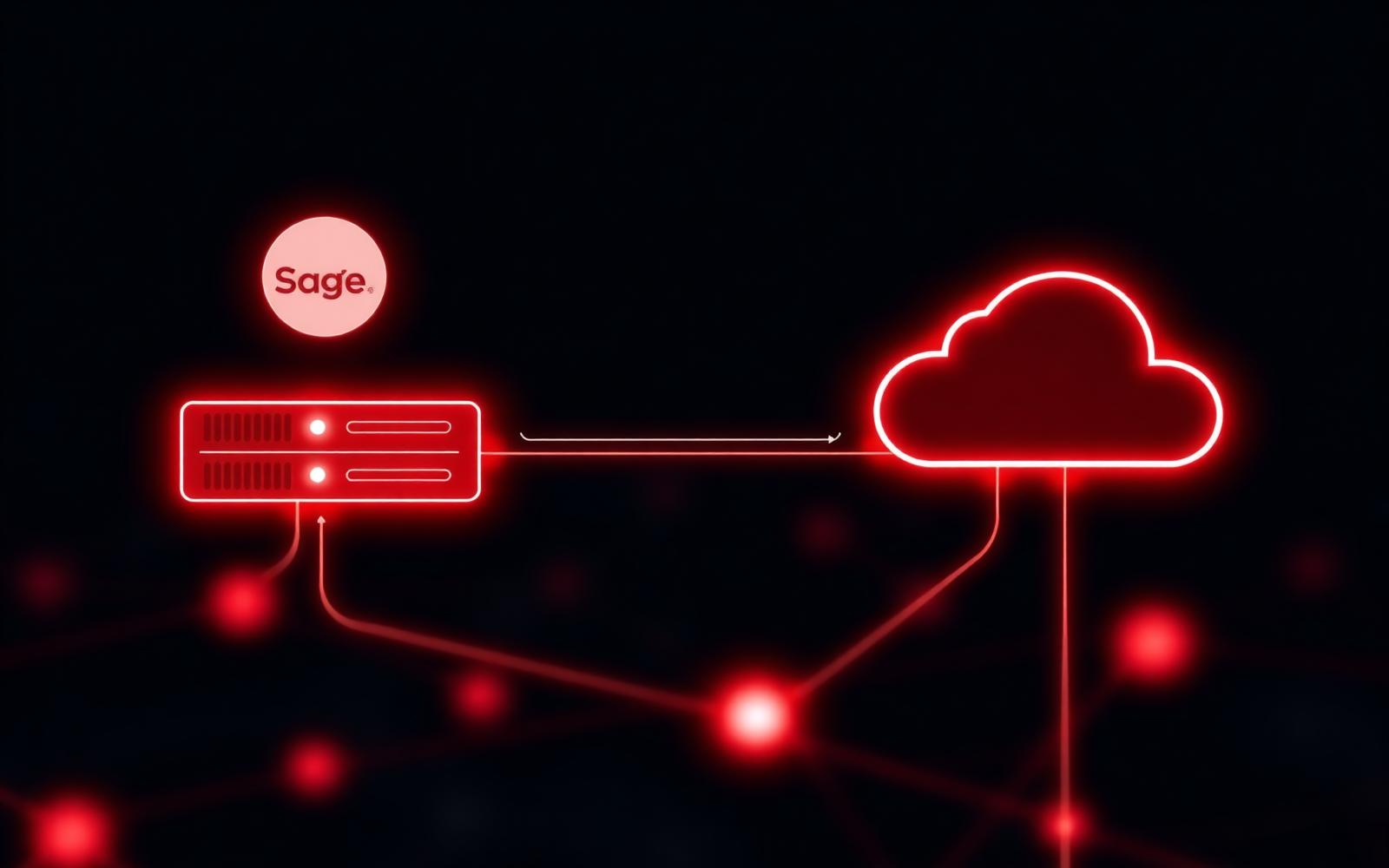
Most South African businesses we work with still run mission-critical workloads on Sage 300, Sage 200 Evolution, Sage X3, SYSPRO or a long-lived in-house ERP. These systems outlast every cloud migration plan. We've spent years integrating them — directly against the SQL backend where we must, against the supported APIs where we can, and through the on-premises data gateway so the rest of your Microsoft estate can reach them safely.
- Sage 300 / Evolution / X3 integration patterns with safe read access, controlled writes and change tracking
- On-premises data gateway for secure access from Power Automate, Power BI and Logic Apps without opening inbound ports
- Hybrid replication into Azure SQL, Fabric or a lakehouse so analytics never hits the live operational database
- SQL Server Reporting Services (SSRS) on Sage 200 — we take the SSRS reports Sage ships with, understand the underlying tables, and either extend them or replace them with Power BI models fed from the same data. Detail in our Sage 200 integration patterns guide.
- Stranded systems — Access, FoxPro, FileMaker, mainframe extracts — wrapped and modernised without a rip-and-replace
Dynamics 365
Already running Dynamics 365? We add the Power Platform layer on top of it.
To be straight with you: we are not a Dynamics 365 implementation partner and we don't pretend to be. We don't configure your Business Central or Finance & Operations rollout. What we do — and do well — is everything that sits around Dynamics once it's live: getting its data out, reporting on it properly, and extending it with the Power Platform your Microsoft licensing already includes.
Dynamics 365 → Power BI
Dataverse and F&O data modelled properly into Power BI and Microsoft Fabric — not the canned dashboards, but semantic models that answer your actual questions and blend Dynamics with Sage, SQL and SaaS sources.
Dynamics 365 → Power Automate
Event-driven flows off Dataverse triggers: approvals, notifications, document generation, downstream posting into other systems. The workflow logic Dynamics doesn't cover out of the box.
Dynamics 365 → Power Apps
Canvas and model-driven apps that give field teams, warehouses and customers a fit-for-purpose interface onto Dynamics data — without licensing a full Dynamics seat for every occasional user.
If you need a Dynamics 365 implementation itself, we'll say so and point you elsewhere. If you need Dynamics to talk to the rest of your business — that's our work. Tell us what's not connected.
End the rekeying
Data moves between systems automatically — your team stops being a human integration layer.
Real-time, not overnight
Replace nightly batch jobs and Monday-morning spreadsheets with event-driven, near real-time flows.
Governed & observed
Every run is logged, every failure alerts the right person, every secret lives in Key Vault.
How we work
Integration as an engineering discipline, not a Friday afternoon job
01
Map the data flows
We map every system that touches the process, the data each one owns, the cadence it changes, and the manual steps your team currently performs to keep them in sync.
02
Design the integration architecture
We pick the right pattern — event-driven, batch, real-time, hybrid — and the right platform for each hop. You see the blueprint with retries, idempotency, monitoring and security spelled out.
03
Build & harden
We engineer the integration in your Azure and Power Platform tenant, with managed identities, Key Vault, structured error handling, dead-letter queues and observability. Built to survive a Monday morning.
04
Monitor & evolve
Failures alert the right people. SLAs are measured. Volumes are tracked. We stay on as the integration evolves — new fields, new sources, new business rules — without it ever becoming a black box.
Use cases
Integrations we've built — or could build for you
- Sage 300 or Sage 200 Evolution two-way sync with Dataverse, Power Apps and Power BI
- Replicate a production ERP nightly into Microsoft Fabric for analytics without hitting the live system
- Push approved sales orders from Power Apps straight into your ERP via custom connector
- Pull invoices, statements and payments from your ERP into a Power Pages customer portal
- Sync HR records between Sage 300 People, Entra ID and your line-of-business systems
- Stream IoT, telemetry or production-line data into a lakehouse for real-time analytics
- Connect e-commerce platforms (Shopify, WooCommerce, Magento) to your ERP and CRM
- Replace fragile staff-driven copy-paste between two systems with a governed, monitored pipeline
Integration is the foundation — the rest of the platform stands on it
Clean integration is what makes Power BI & Fabric dashboards trustworthy, Power Apps fast and accurate, Power Automate flows reliable, and AI agents actually grounded in your real business data — not a stale CSV from last quarter.
Which two systems in your business should be talking — and aren't?
Free, no-obligation integration scoping session. We'll map the systems, design the integration and quote the build.